
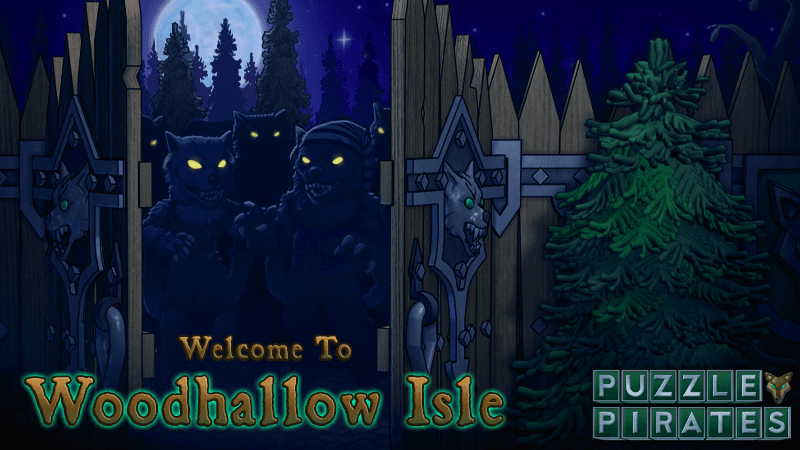
Welcome to the Sinister Woods
Hark ye! Thar be strange news afoot! Fer years a scourge o’ werewolves has plagued these waters, risin’ out o’ the sea n’ strikin’ terror into good folk. But from where do they come? A lone survivor tells the tale: an isle o’ dark woods be the lycanthropes’ haven. And there, as the autumn moon grows fat, so too does their feral power!
The time has come at last fer bold pirates to brave this shadowed place n’ seize the elemental might o’ the moon itself to break the hold o’ the sea wolves. The forest be full o’ danger, so don’t get complacent fer one moment while the moon hangs in the sky. Those beasts ain’t to be trusted, and knowin’ ’em as we do, they likely have somethin’ more up their sleeves.
Use a Wolf-skull Wayfinder to find these creatures at sea an’ follow ‘em to their den. Strange treasures await, if’n ye dare to set foot in the dark woods! But be wary: the howlin’ foretells danger.
Something Sinister Stirs
Werewolves n’ skeletons aren’t the only things stalkin’ the shadows on the oceans lookin’ to cause chaos. Some can be found inside a box that appears fairly ordinary, yet is filled with all kinds of horrors. Ye’ll know ye’ve found one of these Sinister Boxes by the strange scratchin’ sound emanatin’ from within. Look closely inside the darkened crate and ye may discover Blood-bone Monkey, Shadowblood Shades, Shadow Skelepunks, Shadowblood Tigers, Shadowblood ships, 'n more waiting to leap out at ye. Sinister Boxes are only available until 3:00 PM PDT on November 2, 2026, so act before they disappear into the night!